
Remote work has permanently changed what “business casual” means. The old definition — khakis and a button-down — no longer fits a world where your office is a kitchen table and your primary audience is a webcam. This guide breaks down the actual rules for 2026, covering what works on screen, what flops, and where most remote workers get it wrong.
What Business Casual Actually Means in 2026
Business casual was never a legally defined term, but courts and HR policies have generally treated it as a standard that sits between formal office wear and weekend clothes. For remote workers, that line has blurred further.
In most companies, business casual for remote work now means three things: no pajamas or gym clothes on camera, no bare shoulders or visible underwear, and no logos or graphics that look like a t-shirt. That’s the floor. The ceiling is a blazer or structured jacket, but not a full suit.
The key shift in 2026 is that fabric and fit matter more than formality. A well-fitted merino wool sweater reads as professional. A wrinkled polyester polo reads as sloppy — even if the polo is technically “business casual.”
Why the Old Rules Don’t Work Anymore
Pre-2026, business casual meant you could skip the tie. Now, it means you need to look intentional on a 720p webcam. Patterns that look fine in person — thin stripes, small checks — can create a moiré effect on camera. Bright white shirts often blow out exposure. Dark colors without contrast make you look like a floating head.
This is not a style opinion. It’s a technical reality of how cameras process light and fabric texture.
The Three Biggest Mistakes Remote Workers Make
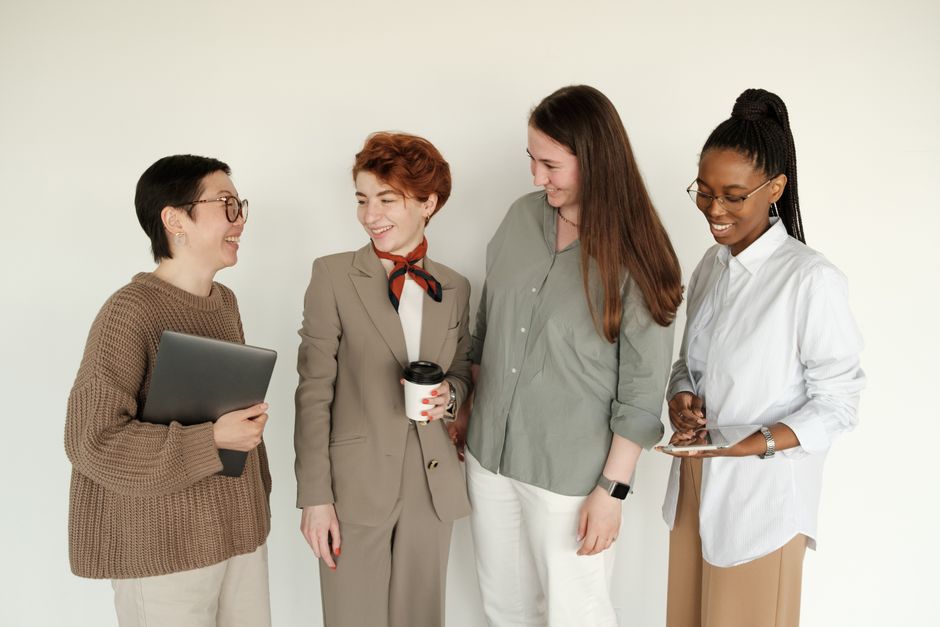
Most people get business casual wrong in predictable ways. Here are the three failures that hurt credibility the most.
- Dressing only from the waist up. You stand up to grab a package or adjust lighting, and suddenly your sweatpants are visible. Treat your full outfit as camera-ready, even if you think you’ll stay seated.
- Ignoring color temperature. A navy blue shirt looks black on many laptop cameras. A light gray reads as white. Test your outfit under your actual desk lamp before a client call.
- Wearing clothes that wrinkle after 10 minutes. Linen and cheap cotton blends look crisp for exactly one hour. For a full workday, choose fabrics with some structure: cotton twill, ponte knit, or a poly-wool blend.
Building a Remote-Ready Capsule Wardrobe
A capsule wardrobe for remote business casual means fewer pieces, each chosen for camera performance and comfort. You do not need 20 shirts. You need 5 that work.
Here is a baseline set that covers 90% of remote work scenarios, based on what stylists and corporate dress codes actually recommend:
| Item | Recommended Specs | Why It Works |
|---|---|---|
| Solid crewneck sweater | Merino wool or cotton, mid-weight, neutral color (charcoal, navy, heather gray) | No collar to fuss with, reads as intentional, works with or without a jacket |
| Button-down Oxford shirt | Cotton or cotton-poly blend, light blue or white, wrinkle-resistant finish | Classic business casual, but choose a matte finish — shiny shirts glare on camera |
| Dark wash jeans or chinos | No rips, no fading, straight or slim cut, dark indigo or black | Reads as polished on camera, comfortable for 8+ hours |
| Unstructured blazer | Cotton or linen blend, no shoulder padding, in a neutral tan or navy | Adds instant structure for client meetings without feeling like a suit |
| Leather sneakers or loafers | Clean, minimal design, dark brown or black leather | Comfortable for walking around the house, still looks professional if you stand up |
What to Skip
Skip anything with a large logo, anything that is visibly athletic (Nike Dri-FIT, Lululemon leggings), and anything that requires dry cleaning after one wear. Remote work means you wash your clothes less often — choose fabrics that survive 2-3 wears between washes.
How to Dress for Different Types of Video Calls

Not all video calls are the same. A one-on-one with your direct manager has a different dress code than a presentation to 50 people. Here is how to match your outfit to the meeting type.
Internal Team Standup (15 minutes, camera optional)
This is the lowest-stakes call. A solid-colored sweater or a collared polo is fine. Avoid hoodies with strings or anything that makes noise when you move — the microphone picks it up. Uniqlo’s Supima cotton t-shirts in a dark color work here if you layer them under a casual jacket.
Client-Facing Presentation (30-60 minutes, camera on)
This requires structure. Wear the blazer or a tailored cardigan. A button-down shirt in a solid color (light blue or pale pink) reads as trustworthy. Avoid patterns — herringbone and houndstooth look like static on most webcams. Everlane’s Japanese Oxford shirt ($78) is a reliable choice for this scenario.
All-Hands Company Meeting (camera on, many viewers)
Dress one level above what you normally wear. If you usually do a sweater, add the blazer. If you usually do a button-down, swap to a structured jacket. The goal is to look like you took the meeting seriously. J.Crew’s unstructured cotton blazer ($198) hits the right note without being too formal.
When Business Casual Is the Wrong Choice
Business casual is not always the answer. There are situations where you should dress more formally — or less formally — depending on context.
When to dress up: If you are meeting a new client for the first time, or if your company has a written dress code that specifies “business professional,” wear a suit. Business casual in those settings reads as underdressed. Courts have generally found that employers can enforce stricter dress codes for client-facing roles, so check your employee handbook.
When to dress down: If your company explicitly allows casual wear (many tech companies do), wearing a blazer every day can make you look out of touch. Match the culture. If your team wears hoodies on camera, a clean dark hoodie without logos is fine. Patagonia’s Better Sweater fleece ($139) is a common choice in casual remote workplaces.
When to avoid business casual entirely: If you are recording a video that will be watched asynchronously, or if you are on a panel where the other participants are in suits, match the highest formality in the room. Being the only person in a sweater makes you look less authoritative.
Final Verdict: The Two-Outfit System

Here is the simplest system that works for 2026 remote work. Maintain two distinct outfits:
- Outfit A (Daily default): Dark jeans + solid sweater or polo + clean sneakers. Good for internal calls, deep work, and casual client chats.
- Outfit B (High stakes): Chinos or dark trousers + button-down + unstructured blazer + leather loafers. Good for presentations, first impressions, and all-hands meetings.
Keep both outfits ready at all times. Rotate pieces between them. Do not wear the same shirt two days in a row on camera — the camera does not lie about wrinkles or stains.
This is not legal advice — consult a licensed attorney for questions about workplace dress codes and employment policies.